PT Companion — client and session records for independent trainers
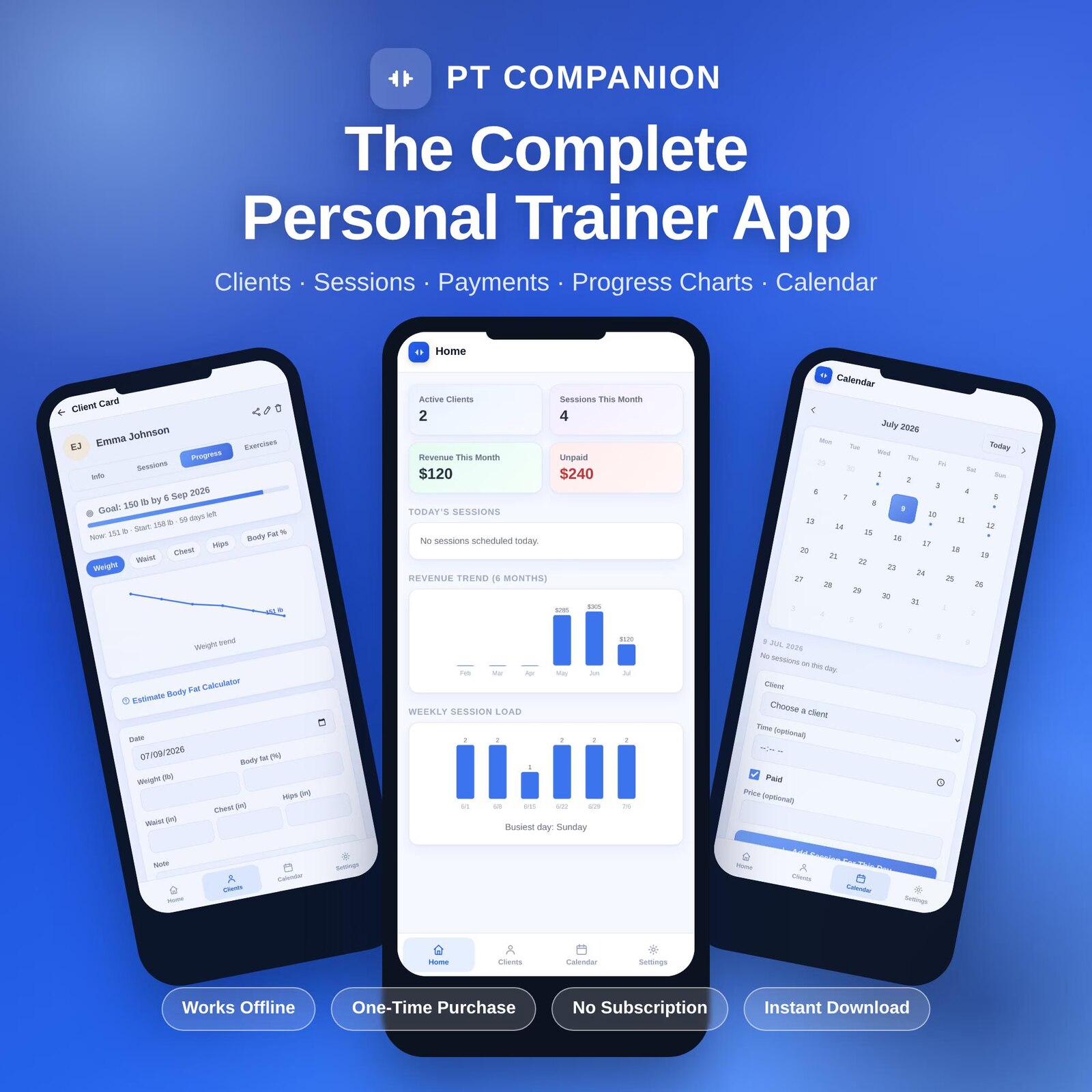
Keep the business-side records around personal training together — clients, sessions, packages, notes, exercise references, receipts and revenue history — in one local file with no required GentleTools cloud account.
Business organization, not clinical software
PT Companion is for independent trainers who want one place for the records surrounding sessions and packages. It can store the goals, measurements, milestones, exercise references and notes you choose to enter, but it does not assess a client's health, diagnose an injury, prescribe exercise, create a rehabilitation plan or determine whether a movement is safe for a particular person.
Keep medical screening, informed-consent, professional-scope, emergency and referral requirements in the systems appropriate to your credentials and jurisdiction. When a client needs clinical assessment or rehabilitation, use the relevant qualified health professional rather than the app.
Client roster & business profiles
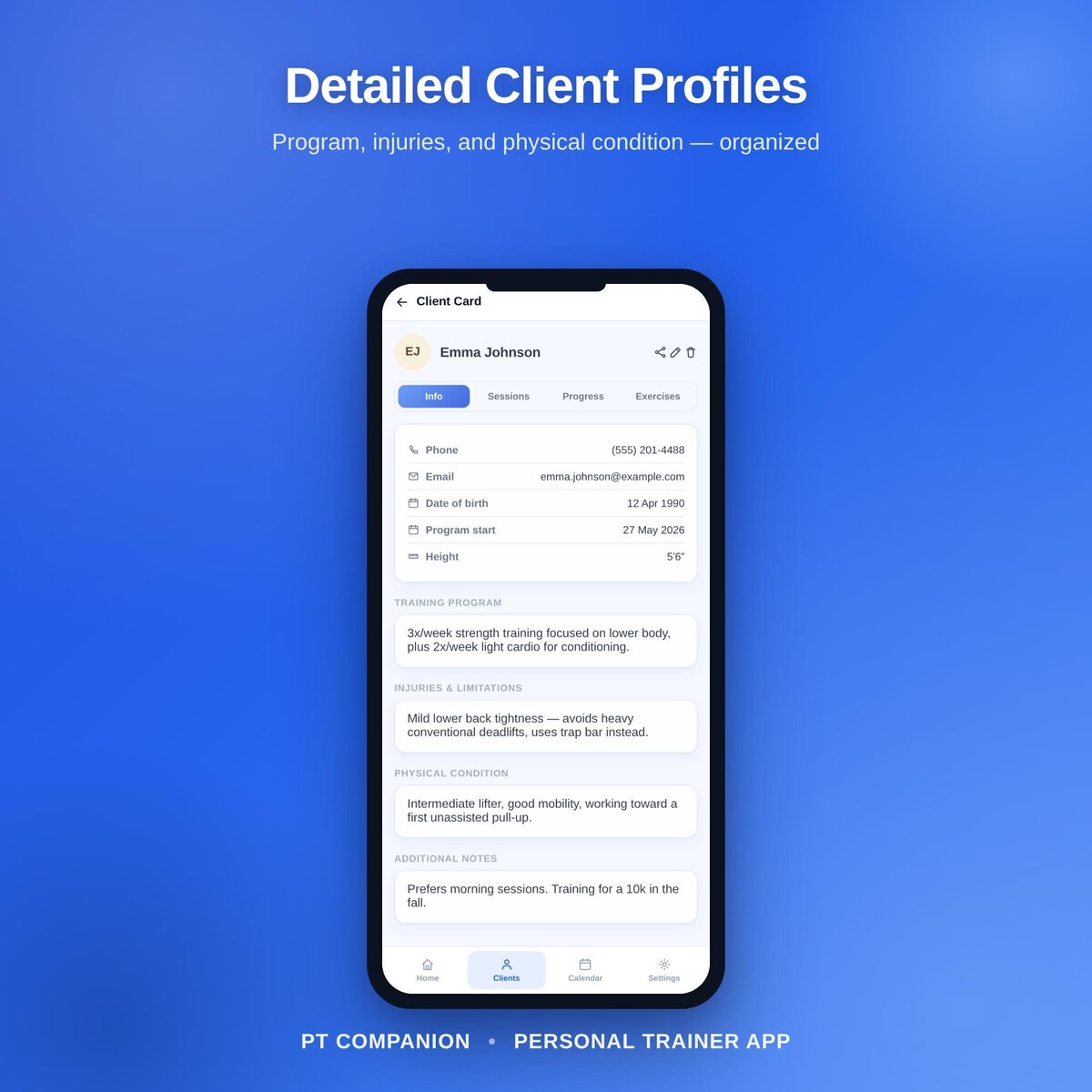
Keep contact details, client goals, session history, user-entered notes and exercise references organized by client.
Sessions & packages
Log completed sessions against the packages you created and see the remaining-session count from those records.
Progress notes
Record measurements, milestones and notes supplied or observed in your own coaching workflow. PT Companion displays the history; it does not interpret health status or clinical progress.
Exercise reference library
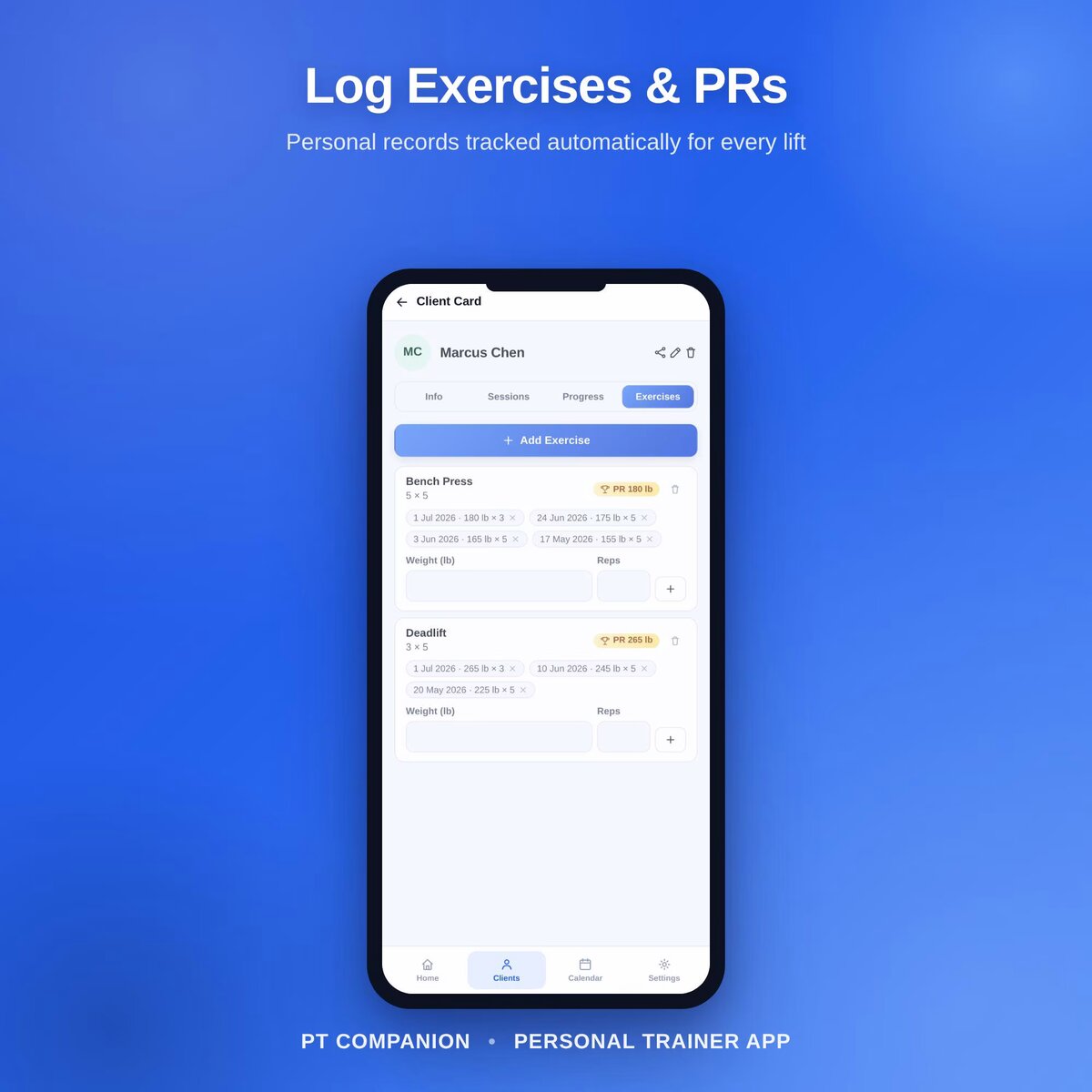
Build your own reusable exercise library and attach entries to a client record. The app does not prescribe exercises or determine whether an exercise is safe or appropriate.
Revenue trend
Review a six-month chart from the revenue entries stored in the app as a simple business record.
Weekly session load
See how many sessions are recorded on each day so you can review your own schedule capacity.
Receipts & unpaid records
Generate a receipt from the transaction details you enter and keep a list of balances you marked as unpaid.
Inactivity flag
Flag clients whose recorded visit pattern has gone quiet according to the app rule, as a reminder to review the relationship — not as a prediction that a client will leave.
Choose the software model that matches the business
Read the PT Companion guide for the workflow in more detail. A local-first file fits best when one trainer controls most of the record. If several coaches, front-desk staff or clinicians need simultaneous editing, permissions, automated messaging, payments or integrations, shared cloud software is likely the better model.
Browse offline business software → · Offline app vs cloud software →
How it works
- Buy and download instantly — no account needed.
- Open the included HTML file in a supported browser on a device you control.
- Explore sample data if useful, then clear it before entering your own client records.
- Export independent backups regularly because GentleTools does not keep the working client file in a cloud account.
Keep sensitive client information proportionate
A local file can still contain personal information. Record only what you actually need for your business and professional scope, secure the device appropriately, keep backups in controlled storage and follow the privacy, retention and recordkeeping obligations that apply to your work. PT Companion does not determine whether your handling of client data satisfies a particular privacy law or professional standard.
Need the connected trainer-business record?
One-time purchase, yours to keep. Includes the app, the PDF guide, and free updates.
Buy for $7.49 (50% off) →Questions before buying? Get in touch — or see theFAQ for refunds and delivery.