Manage RSVP status, table capacity, access needs and a practical seating-change workflow.
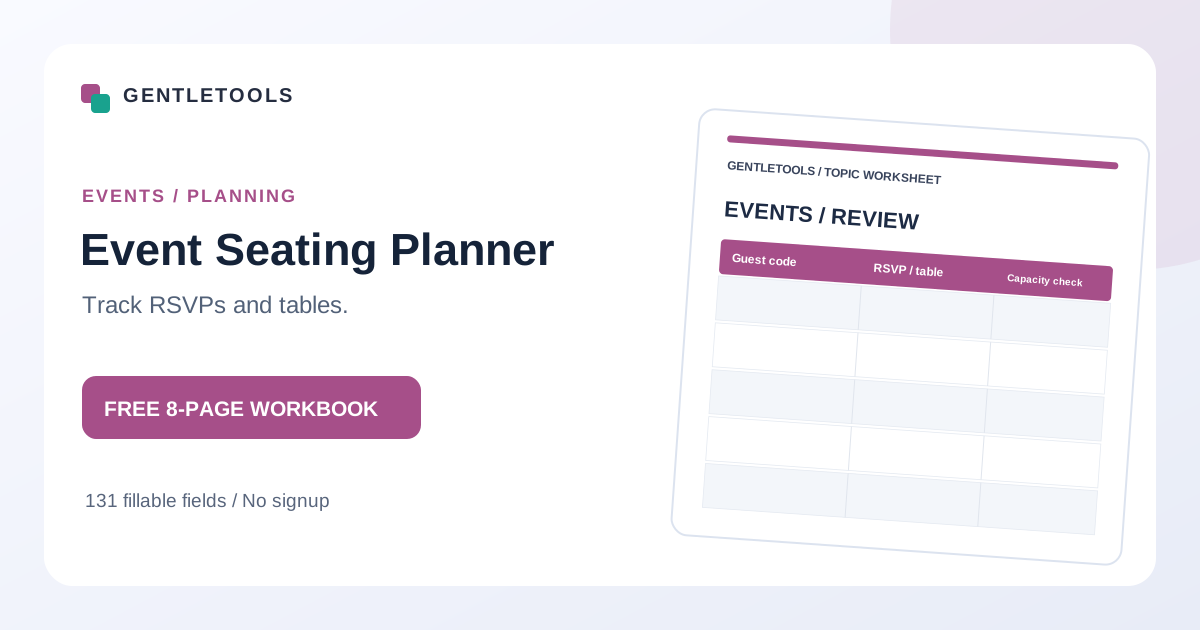
An eight-page fillable event guest and seating workbook with 16 guest allocation rows, table-capacity review, RSVP reconciliation and a fictional layout example.
8-page complete workbook131 interactive PDF fieldsA4 · Printable and fillableNo account
Full premium workbook download: free, directly fillable and printable. No form, login, payment or email required.
Illustrative preview of the free printable resource
Why this worksheet helps
A guest seating plan is more dependable when invitations and confirmed RSVPs are distinguished, table limits are checked and late changes are assigned to one responsible person.
How to use it in three steps
01Confirm venue capacity, table sizes and which RSVPs count as confirmed.
02Assign coded guests to tables and compare allocated seats to actual capacity.
03Review access needs, late changes and the final guest list with the venue.
See how it works
Fictional example: 34 guests are confirmed and three tables each seat 12. Once 34 guests are assigned, only two spare seats remain; pending RSVPs are not counted as confirmed.
Important context
Respect venue limits, accessibility needs and guest privacy. Do not expose personal attendance or placement reasons in a widely shared plan.
Yes. The PDF contains fillable text fields. Open it in a compatible PDF editor or reader, type into the fields, and save your completed copy. Some in-browser preview tools may not save entries reliably.
Can I print it on A4 paper?
Yes. The full workbook is A4-sized. Select Fit to printable area if required by your printer. The older compact quick-start PDFs may use a different paper size; check the print preview.
Does GentleTools receive my completed form?
No form submission is required. The blank PDF is a static download and you fill it locally. Files or personal details you choose to share elsewhere are governed by that destination's practices.
Keep learning
Need the context, not just the blank form?
Read the companion guide for ideas on how to record information clearly and avoid the most common planning mistakes.
 Free Wedding Vendor Comparison PDF
 Free Travel Itinerary & Backup Plan PDF