Wedding Planner
Keep the repeated parts of planning one wedding together — budget, guests, vendors, timeline, seating and honeymoon records — in a single local file with no required monthly subscription.
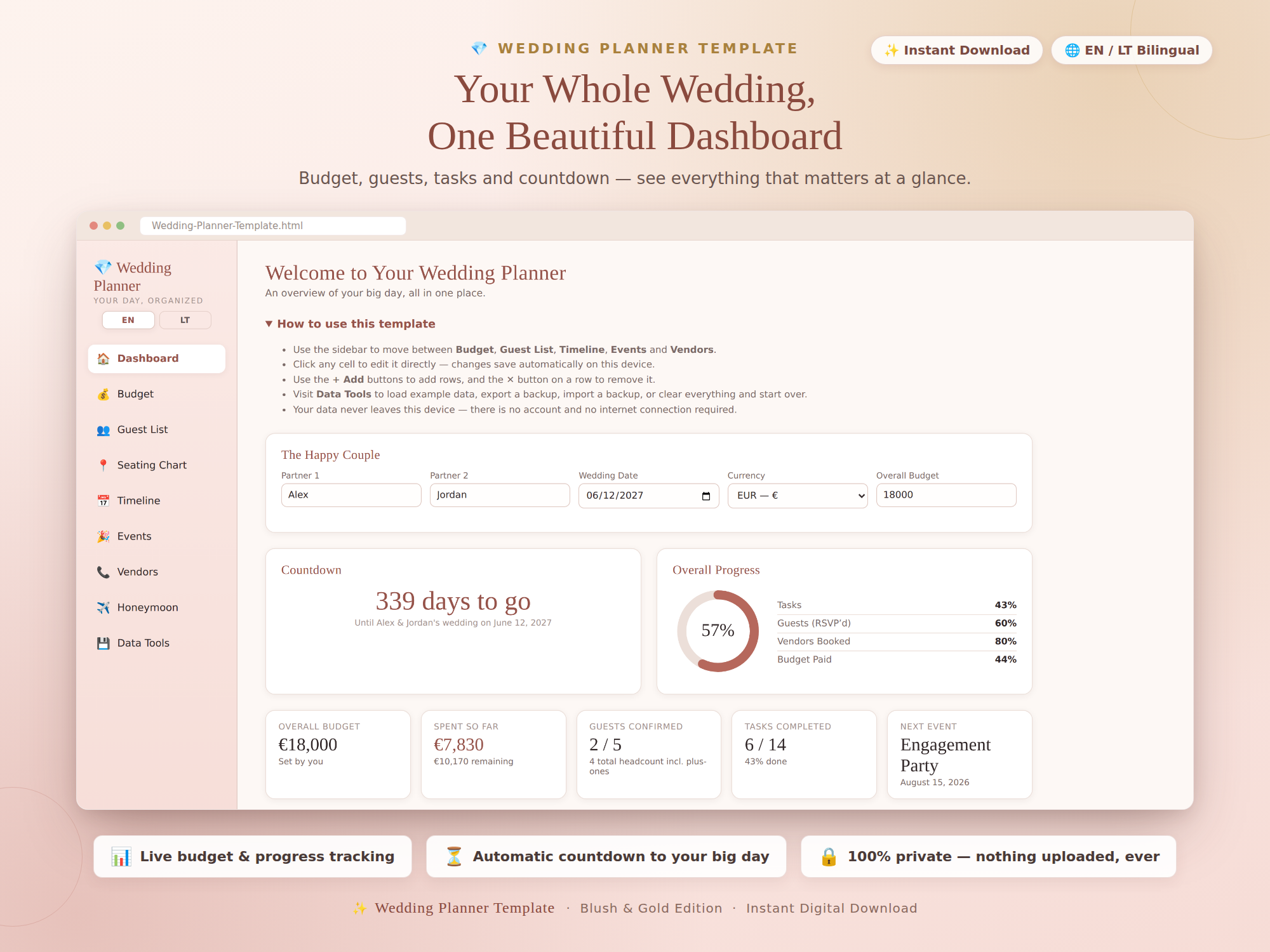
When one connected planner helps
A spreadsheet is often enough for a budget, and a simple list can handle RSVPs. The larger app becomes useful when the same guests, vendors, costs, table assignments and dates need to stay connected instead of being re-entered across several separate tools.
This is a local-first file, so one main planner has the simplest workflow. If the couple, planner, family and vendors all need simultaneous editing, automatic synchronization, permissions or live updates, a shared cloud wedding platform may be a better fit.
Dashboard
See the date countdown, user-entered budget totals, RSVP status and the planning items you marked as upcoming.
Budget & expenses
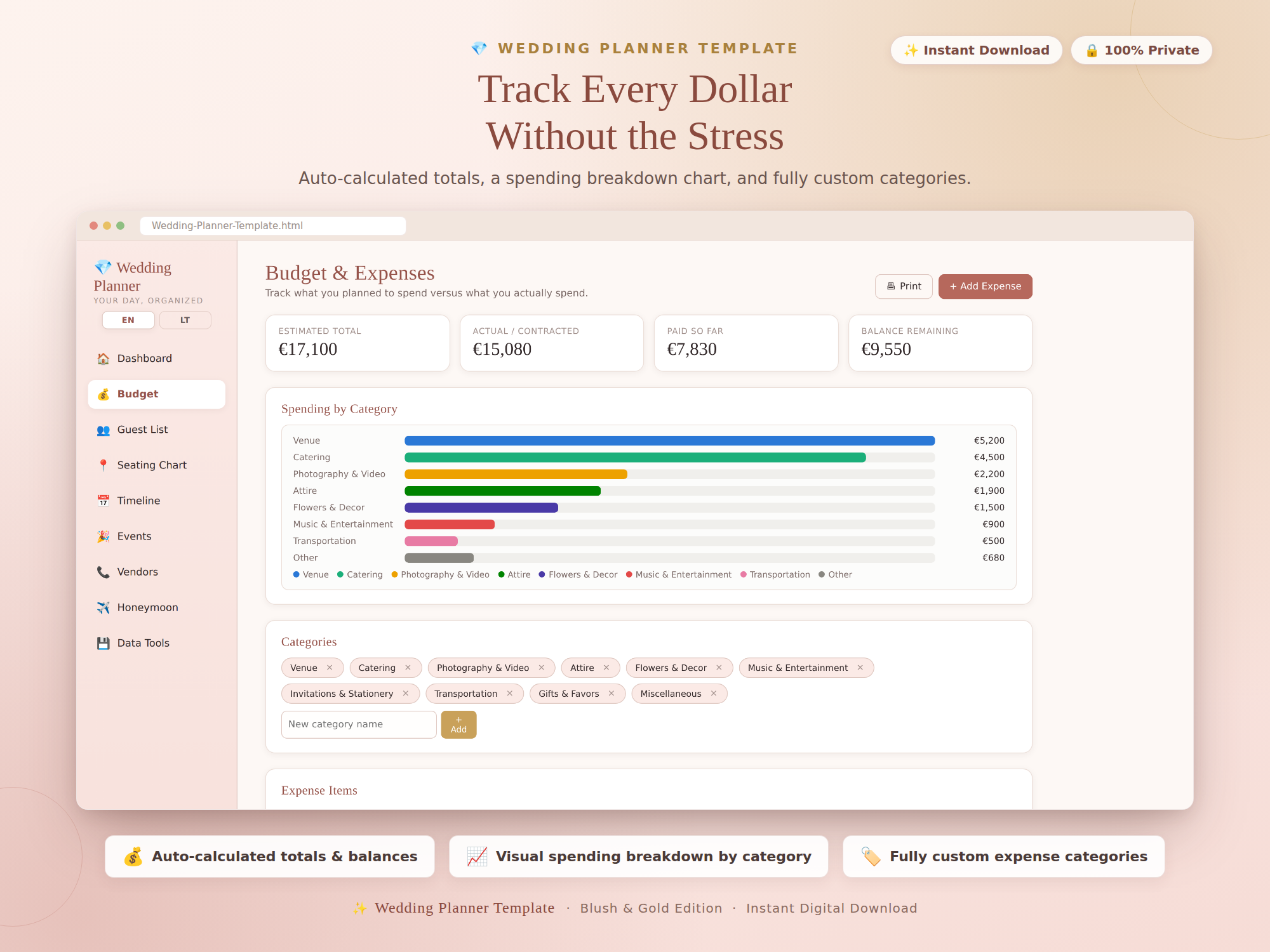
Use custom categories for estimates, actual costs, deposits, balances and due dates, with a spending-by-category view.
Guest list
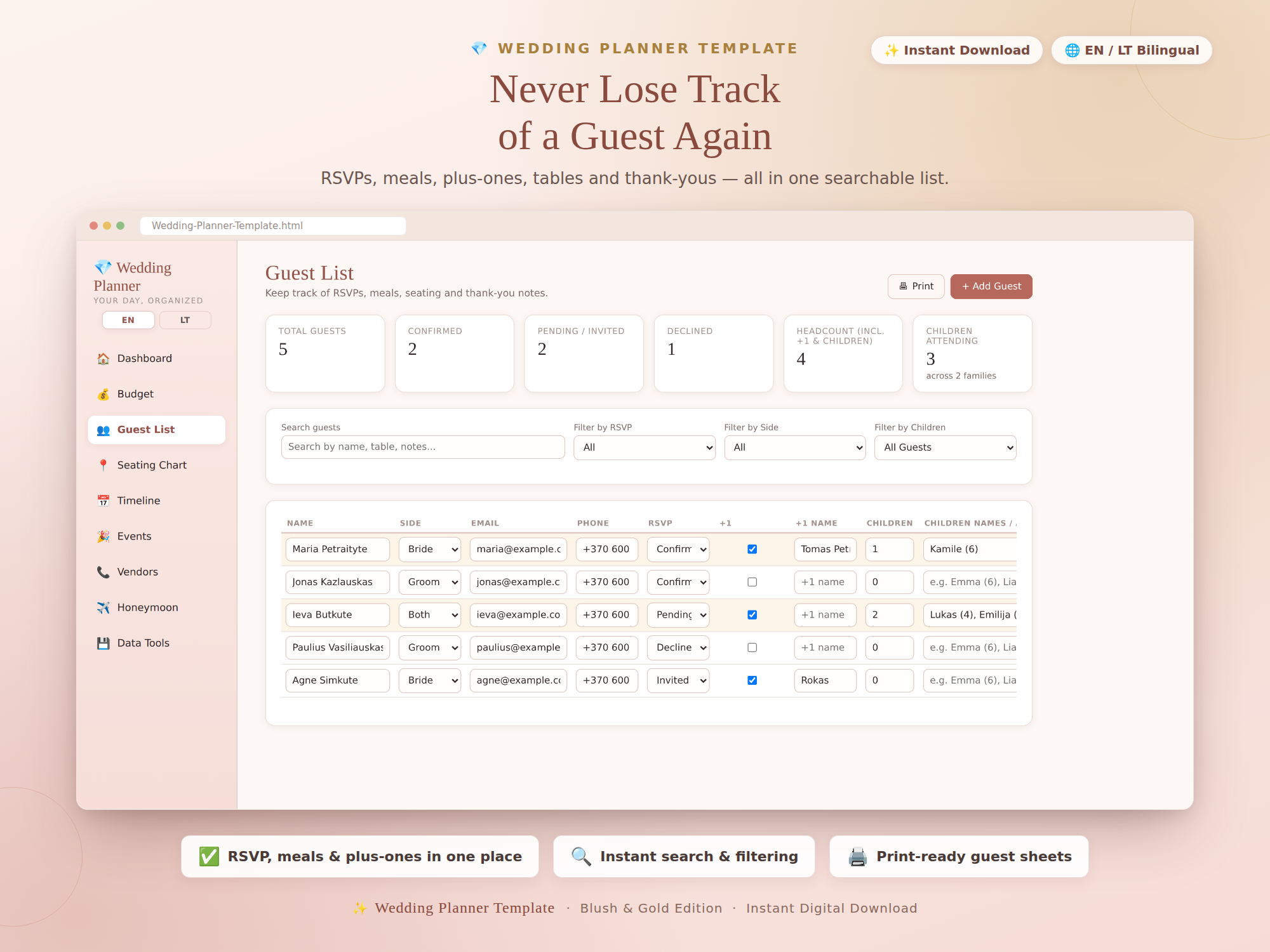
Keep RSVPs, meal preferences, plus-ones, children, table assignments, gifts and thank-you notes searchable in one record.
Timeline
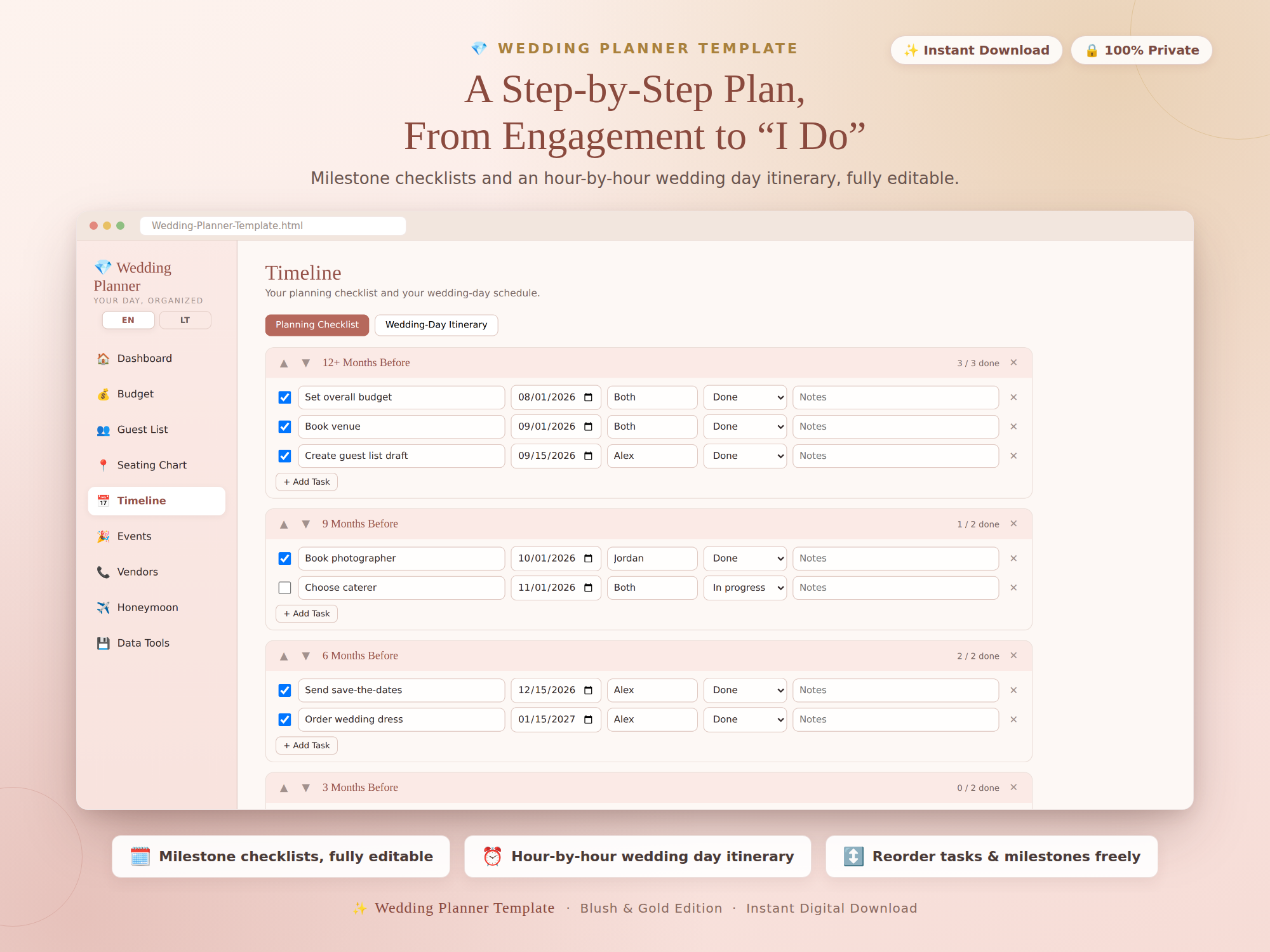
Use an editable month-by-month checklist plus a wedding-day itinerary rather than keeping the schedule in separate notes.
Events
Keep engagement parties, showers, bachelor or bachelorette events and rehearsal plans alongside the main wedding record.
Vendors & contacts
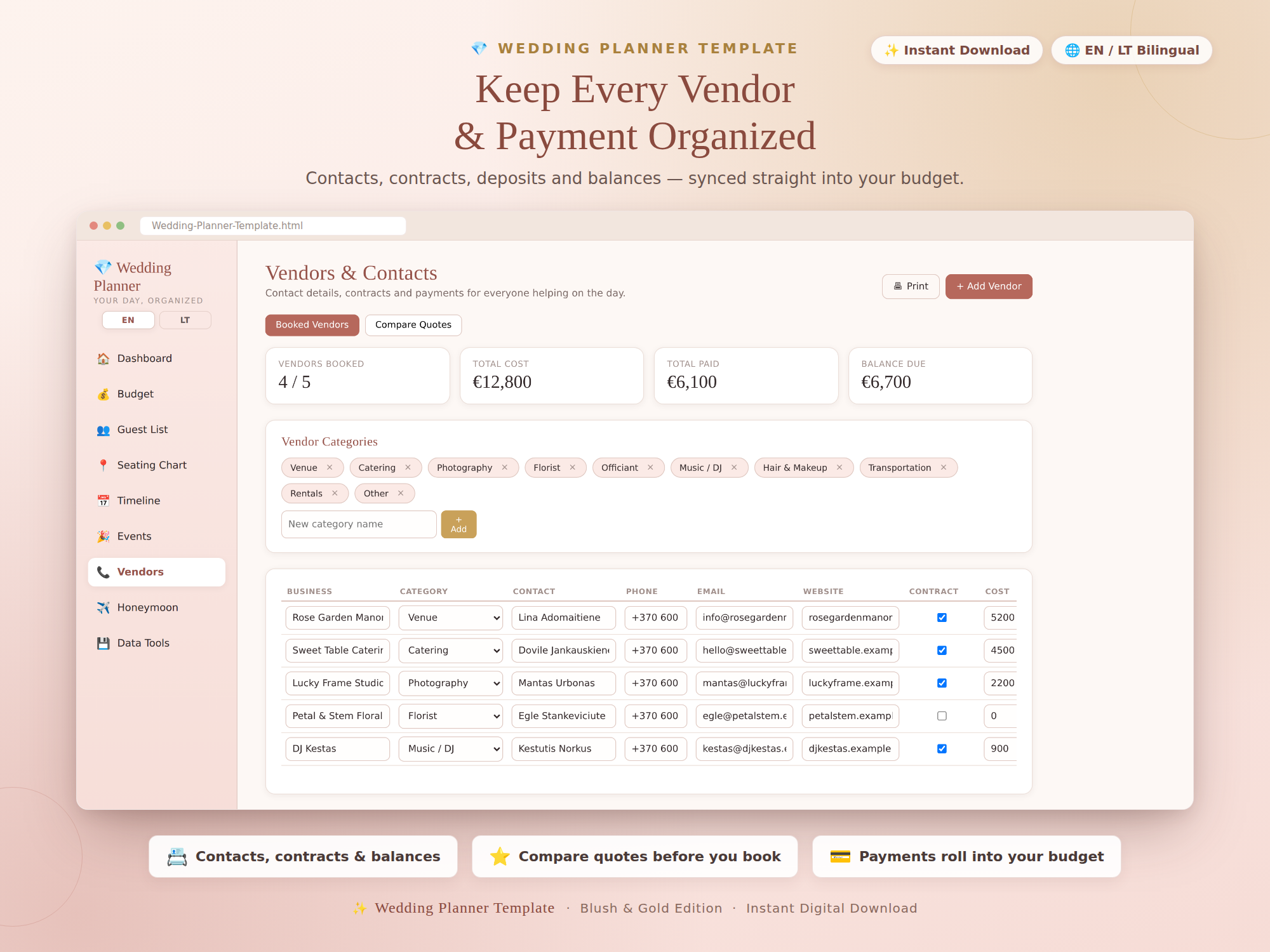
Record contact details, quotes, deposits and balances, then keep those figures connected to the budget you entered.
Seating chart
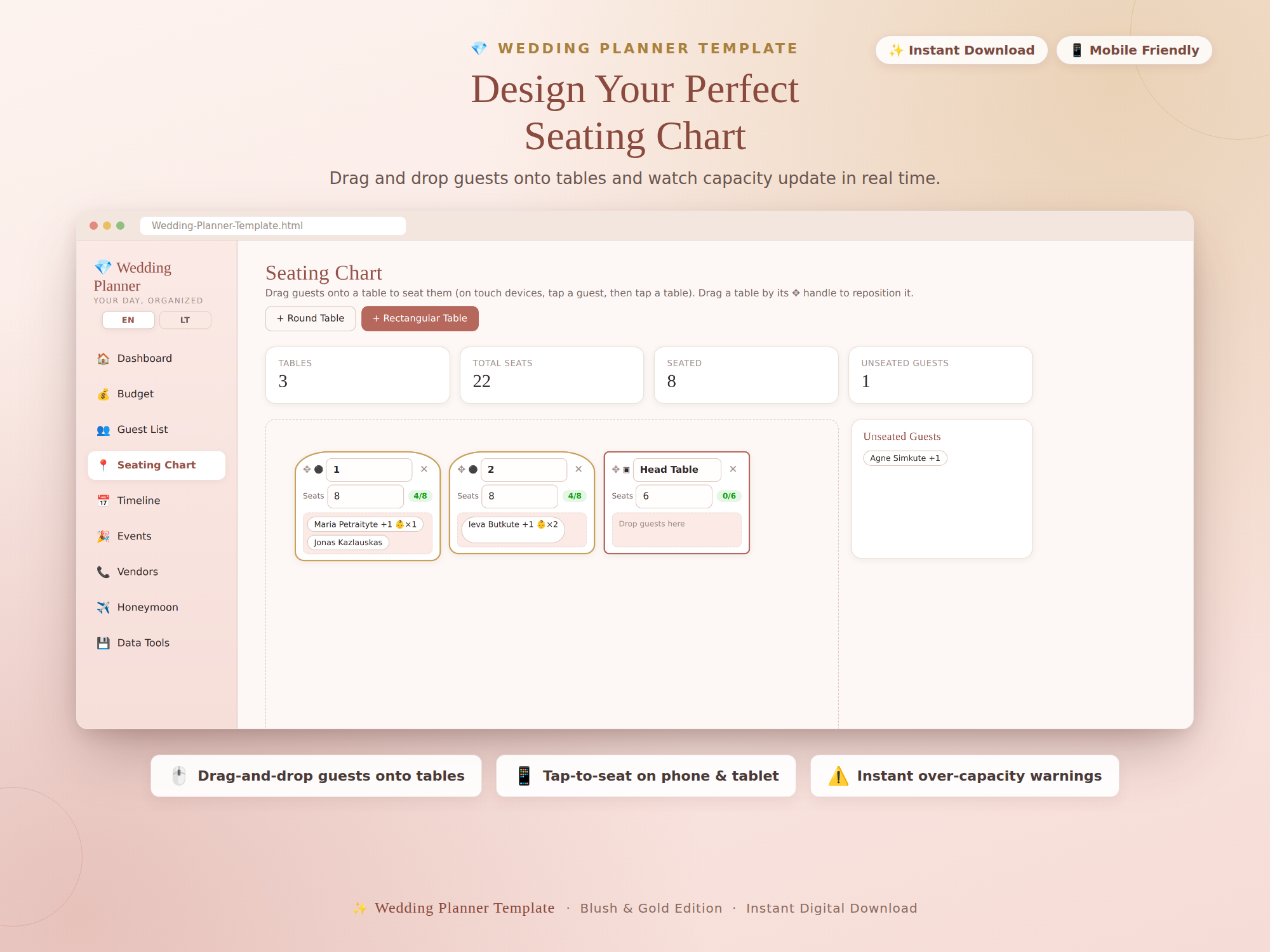
Arrange guests at tables and see the capacity recorded for each table as you move assignments around.
Honeymoon planner
Keep a separate honeymoon budget, checklist and itinerary without mixing those figures into the wedding-day plan.
5 themes + EN/LT
Choose from five visual themes and use the interface in English or Lithuanian.
Start free if you only need one part
Use the free Wedding Budget Calculator for the money, the Wedding Guest List for RSVPs, or theWedding Seating Chart Planner for tables. Read theWedding Budget Planning Guide before moving to the full app when those records need to stay connected.
How it works
- Buy and download instantly — no account needed.
- Open the included HTML file in a supported browser.
- Start with sample data, or clear it and enter your own wedding plan.
- Export backups regularly before clearing browser data or changing devices.
The working record remains local to the browser you use. Keep independent copies of important vendor contracts, receipts, bookings and other source documents outside the planner.
Need the connected wedding plan?
One-time purchase, yours to keep. Includes the app, the PDF quick-start guide, and free updates.
Buy for $7.49 (50% off) →Questions before buying? Get in touch — or see theFAQ for refunds and delivery.